- Why Server-Side Tracking (SST) Matters for Shopify in 2025
- Client-Side vs. Server-Side vs. Hybrid Tracking (and Why Hybrid Wins)
- How Server-Side Tracking Improves Shopify Ad Performance
- Core Components of a Server-Side Tracking Setup for Shopify
- Step-by-Step: Setting Up Server-Side Tracking on Shopify
- Ensuring Accurate Deduplication
- Compliance and Data Privacy (GDPR, Consent Mode v2)
- Choosing the Right Server-Side Tracking Solution for Shopify
- Common Issues and How to Fix Them
- Final Checklist: What a “Perfect” Server-Side Setup Looks Like
- FAQ: Server-Side Tracking for Shopify
- Do I need coding knowledge to set up server-side tracking?
- Is server-side tracking legal under GDPR?
- Will server-side tracking bypass iOS 14.5 restrictions?
- Can I run server-side tracking without client-side pixels?
- Does server-side tracking work with Shop Pay, PayPal, and Apple Pay?
- How long does setup take?
- Conclusion
Server-side tracking has rapidly shifted from a “nice-to-have” to a mission-critical foundation for any Shopify brand relying on paid acquisition. Over the past few years, browser restrictions, iOS updates, ad blockers, and third-party cookie deprecation have eroded the accuracy of traditional pixel tracking—leaving brands blind in Meta, Google, TikTok, and beyond.
Today, the merchants achieving the strongest ROAS and the most stable customer acquisition results share one thing in common: a robust server-side tracking setup.
In this guide, you’ll learn everything needed to implement server-side tracking on Shopify the right way—backed by measurable results, real performance benchmarks, and the best industry practices. This is a technical topic, but we’ll keep it human, practical, and grounded in the actual experience of Shopify experts and agencies spending tens of thousands per day on ads.
Why Server-Side Tracking (SST) Matters for Shopify in 2025
The Privacy Shift: Why Client-Side Tracking No Longer Works
If your tracking depends heavily on browser-side scripts—Meta Pixel, Google tags, TikTok pixel—then your attribution is already compromised. Between Safari ITP’s 24-hour cookie lifetime, iOS 14.5’s App Tracking Transparency, growing ad blocker usage, and 3rd-party cookie deprecation, the web simply no longer supports reliable pixel tracking.
Your client-side events get blocked, stripped, or never fired at all.
This is why modern advertisers have reported:
- 20–45% of conversions missing from Meta reporting
- Poor Event Match Quality (EMQ) scores (e.g., 5.8–6.2)
- Broken retargeting audiences
- Difficulty exiting learning phases due to insufficient signal volume
Your uploaded files confirm all of the above—client-side tracking has become fundamentally unreliable as a standalone solution. Server-side tracking is only one element of a much larger industry shift explained in Marketing in a Cookieless World: How Digital Advertising Is Changing.
The Server-Side Advantage
Server-side tracking solves these problems by sending events from your server to ad platforms, bypassing browser limitations completely.
The core benefits of server-side tracking include:
- 95–98% conversion accuracy recovery (industry averages)
- Higher EMQ for Meta (often increasing from ~6.1 to 9.2)
- 25%+ lower CPA and ROAS lifts of 30–37%
- More complete data, unaffected by ad blockers
Server-side tracking also enables first-party context: instead of relying on scripts executed from third-party domains, your data is sent from your own subdomain, protected from browser-level blocking.
In other words, server-side tracking allows Shopify brands to regain the data quality that made digital advertising profitable in the first place.
Client-Side vs. Server-Side vs. Hybrid Tracking (and Why Hybrid Wins)
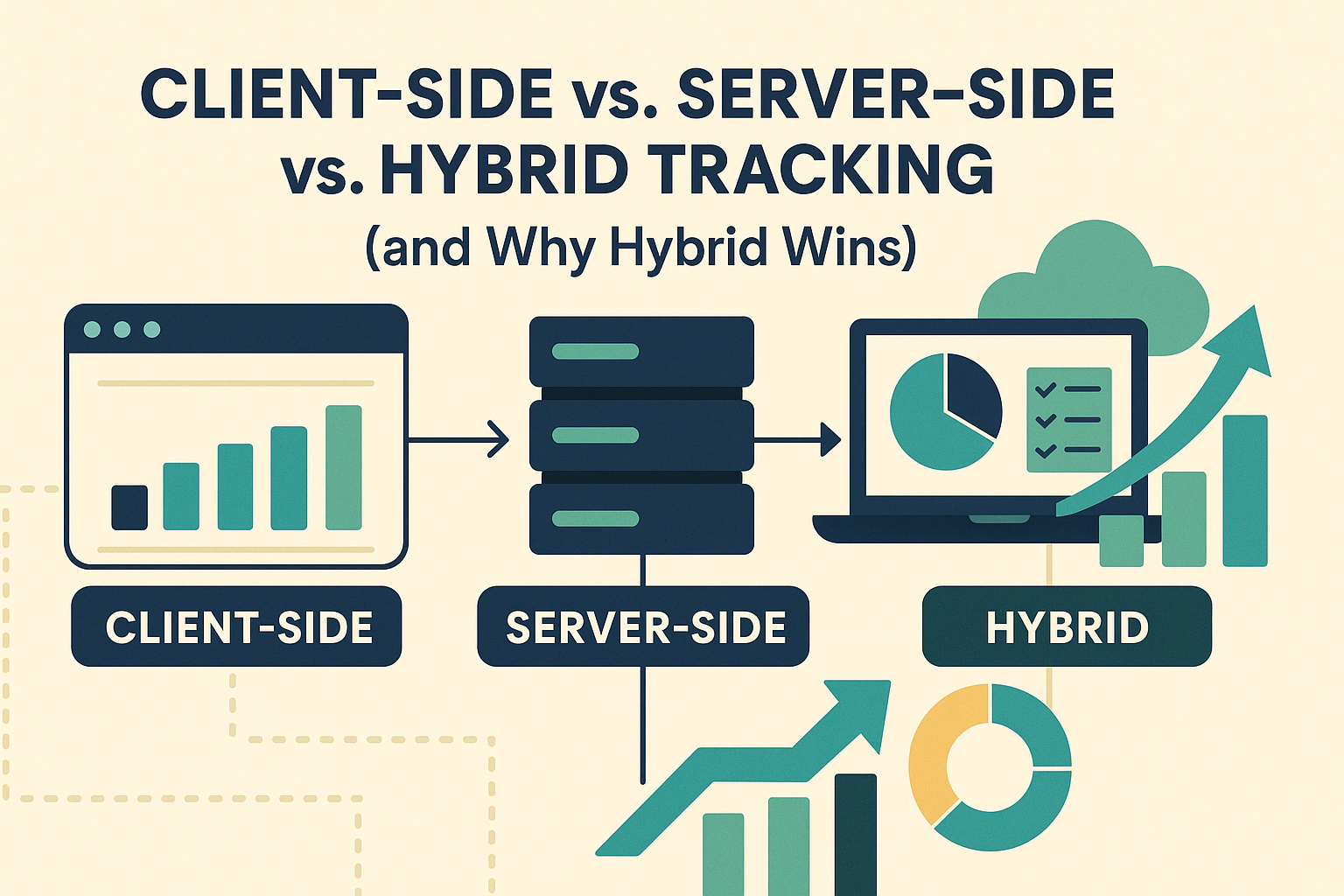
Most Shopify merchants rely on client-side tracking alone (Meta Pixel, GA4 tag, TikTok Pixel). Some consider replacing them entirely with server-side events. Yet the industry consensus—including Meta’s own recommendations—is clear:
Run Pixel + Server-Side CAPI together for maximum accuracy.
(With deduplication so events are not double counted.)
Why Hybrid Tracking Is Best
Hybrid tracking gives platforms two independent paths to receive your data:
- Client-side events (Pixel, tags)
- Server-side events (CAPI, GA4 Measurement Protocol, etc.)
If one path gets blocked, the other recovers it.
Platforms like Meta automatically deduplicate using event_id to ensure conversions are not counted twice. This redundancy is the modern standard—and the best way to maintain clean optimization signals for ad platforms.
How Server-Side Tracking Improves Shopify Ad Performance
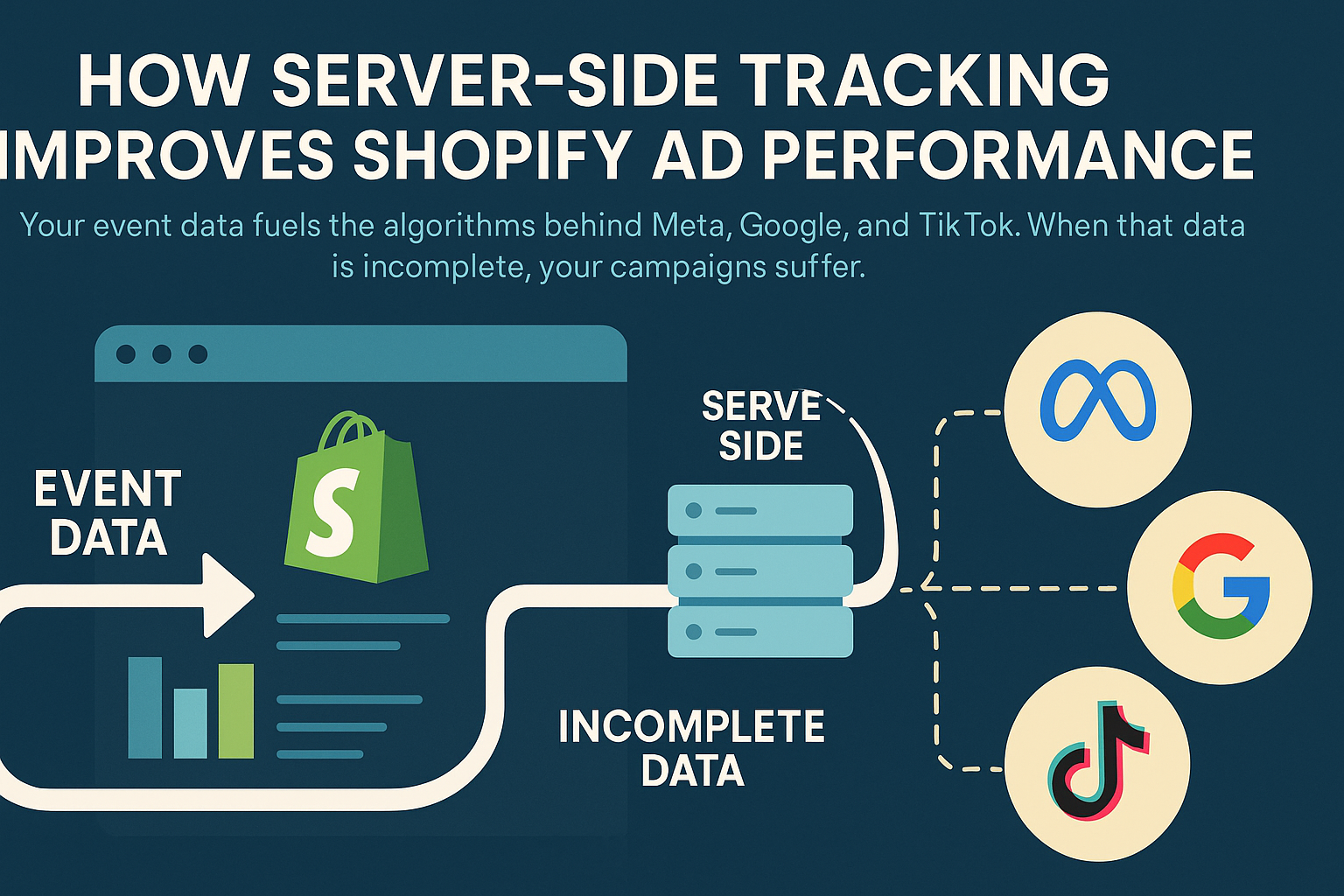
Your event data fuels the algorithms behind Meta, Google, and TikTok. When that data is incomplete, your campaigns suffer.
Measurable Gains Reported by Shopify Experts
Based on industry case studies referenced in your inputs:
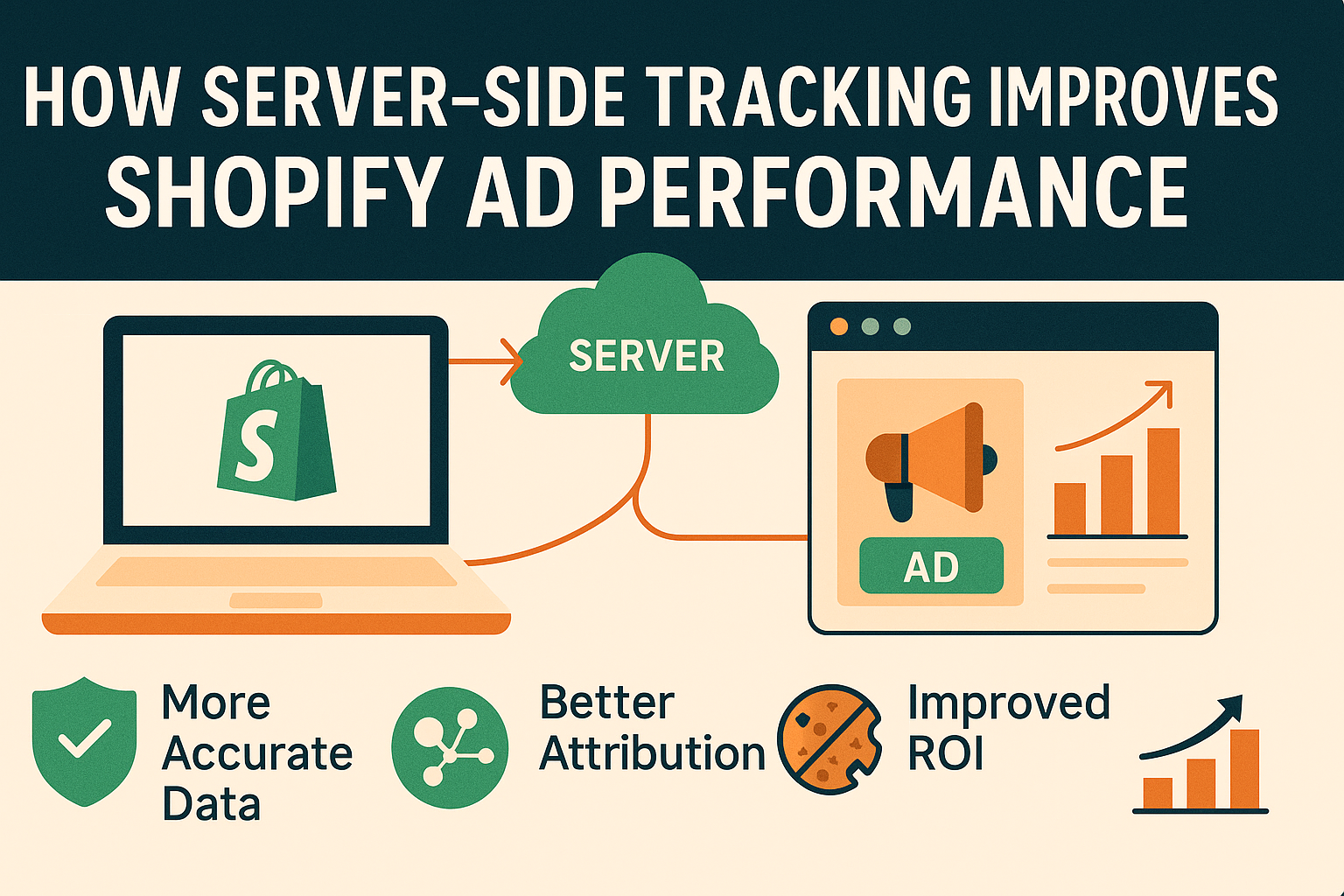
- 36–45% increase in tracked conversions after moving to server-side
- Up to 25% drop in CPA/CAC with improved signal quality
- ROAS improvements of 30–37%
- EMQ improvements from ~6.1 to 9.2 on Meta
These numbers aren’t theoretical—they’re based on real merchant results and agency-level data.
Why Shopify Stores Especially Need SST
Shopify creates several data challenges:
- Checkout Extensibility limits data accessible through the checkout iframe
- Custom thank-you pages are restricted
- Express payment methods (Shop Pay, PayPal, Apple Pay) skip traditional scripts
- External gateways (PayPal/Klarna) often skip your order confirmation page
- Cookie lifetime is reduced due to privacy sandboxing
Server-side tracking overcomes these limitations because purchase events come directly from Shopify’s backend, not the user’s device.
Core Components of a Server-Side Tracking Setup for Shopify
Before we walk through the implementation, here’s what’s involved in a complete build.
1. Server Container
Typically built using:
- Google Tag Manager Server-Side (sGTM)
- Hosted on Stape, Google Cloud, Cloud Run, or other providers
Stape is a common choice due to simplicity and cost-efficiency.
2. Custom Subdomain
Examples:
- track.yourstore.com
- events.yourstore.com
A dedicated first-party domain boosts reliability and avoids browser-level blocking.
3. Webhooks from Shopify
Used to send:
- Purchase events
- Refunds
- Checkout updates
4. Conversion APIs for Each Platform
You’ll set up:
- Meta CAPI (for Meta Ads)
- GA4 Measurement Protocol (for Google Analytics)
- Google Ads Enhanced Conversions + server-side tagging
- TikTok Events API
- Other ad platforms if needed
5. Event Deduplication Logic
Every event sent must include:
- event_id
- consistent timestamp
This ensures pixels and server-side events do not double count.
Step-by-Step: Setting Up Server-Side Tracking on Shopify
Below is a modern, SEO-aligned guide following Shopify Checkout Extensibility and 2025 best practices.
Step 1: Create Your Server-Side Tagging Environment
Option A — Using Stape (recommended for Shopify stores)
- Go to Stape.io
- Create a Server container
- Select your hosting location
- Get your endpoint URL (e.g., https://track.yourstore.com)
- Connect your domain/subdomain
- Deploy template tags (Meta, GA4, Google Ads, TikTok)
Stape is widely preferred for Shopify because it includes:
- Built-in Shopify integrations
- Helper templates
- Cookie management features
- A simplified interface
Industry tracking experts repeatedly highlight Stape as a best-in-class hosting solution.
Step 2: Install Shopify Webhooks
Shopify sends backend data via webhooks, which your server container processes.
You’ll typically install:
- orders/create
- orders/updated
- refunds/create
These webhooks provide the most accurate purchase and refund events possible—independent of checkout issues.
Step 3: Add the Shopify Customer Events Pixel
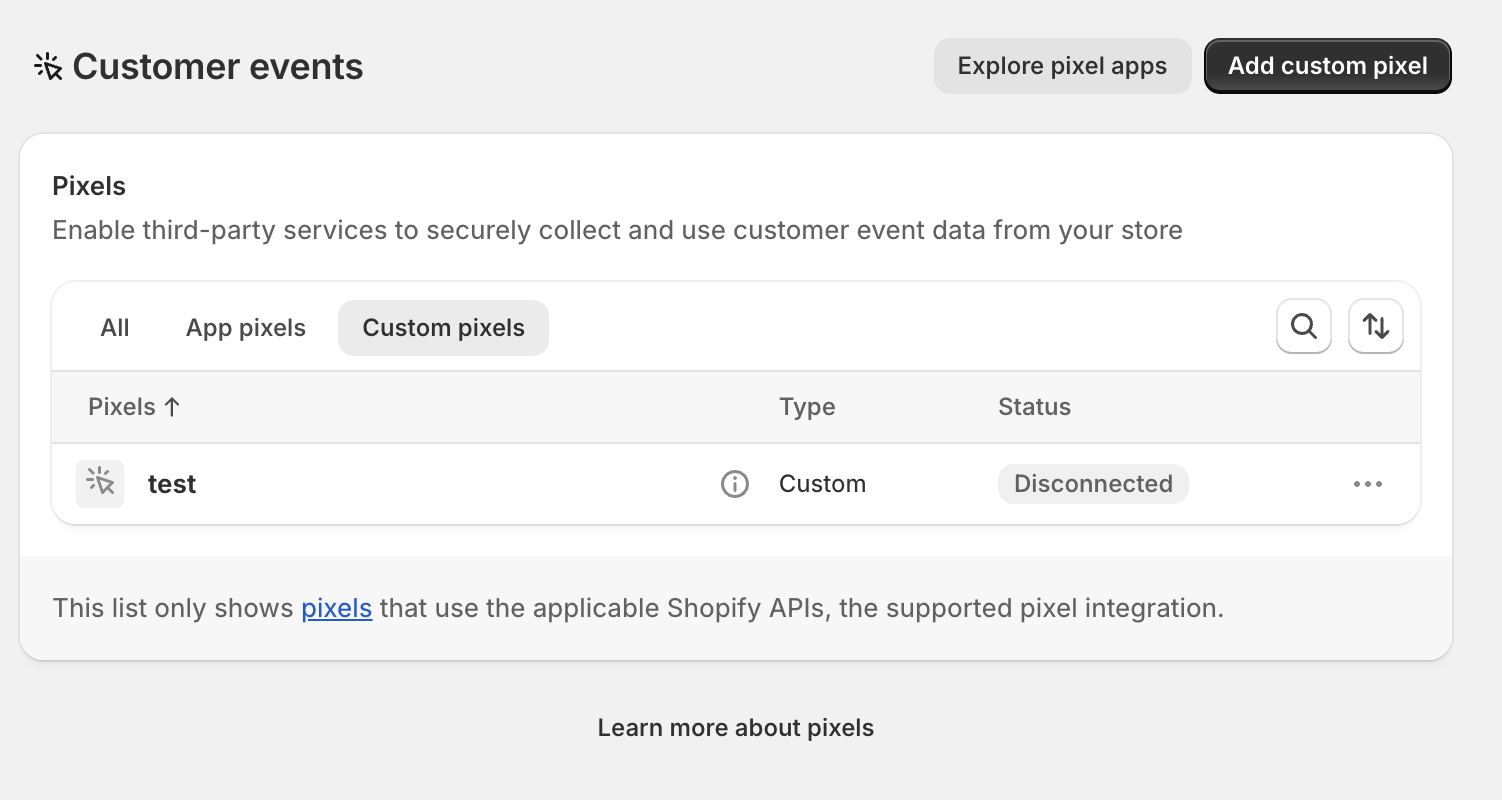
Inside Shopify:
- Go to Settings → Customer Events
- Create a Custom Pixel
- Paste the data layer script required by your solution
- Publish your pixel
This pixel is responsible for:
- Generating event_id for deduplication
- Capturing view, cart, and checkout events
- Sending first-party parameters (email, phone, etc.) to improve EMQ
Shopify’s sandboxed checkout iframe prevents traditional scripts from working—so using Customer Events is mandatory.
Step 4: Connect Meta CAPI
In your server container:
- Add the Meta CAPI tag template
- Insert your Meta Pixel ID + Access Token
- Map ecommerce events:
- ViewContent
- AddToCart
- InitiateCheckout
- Purchase
- ViewContent
- Ensure event_id is mapped for deduplication
- Test using Meta’s Events Manager
Your provided example file confirms Meta’s official recommendation:
“The best setup is running both Pixel and CAPI together for redundancy.”
Step 5: Connect GA4 (Measurement Protocol)
In your server-side GTM:
- Add the GA4 template
- Enter your Measurement ID + API Secret
- Map recommended events
- Enable debug mode for testing
- Validate events in GA4’s Realtime report
This restores the GA4 conversions often missed by browser-side tags due to cookie loss or blockers.
Step 6: Connect Google Ads (Server-Side)
You will configure:
- Google Ads Conversion ID
- Conversion Label
- Enhanced Conversions parameters (email, phone, address)
Because server-side tracking uses first-party data, your Google Ads account benefits from more accurate:
- Conversion modeling
- Smart bidding
- Audiences
This step alone can recover 20–30% of lost conversions for many Shopify merchants.
Step 7: Connect TikTok Events API (Optional but recommended)
TikTok heavily rewards stable conversion signals.
Using the Events API allows:
- Accurate reporting
- Better audience modeling
- Improved optimization for conversion campaigns
Ensuring Accurate Deduplication
Deduplication is essential for hybrid setups.
Every event must include:
- event_id: unique per action
- timestamp (ISO format)
Your Customer Events pixel generates this client-side.
Your server-side container receives it through Shopify webhooks or via the pixel payload.
Meta, Google, and TikTok all support deduplication.
When implemented correctly, you get:
- Redundancy
- Accuracy
- 0% double-counting risk
This is the industry’s gold standard.
Compliance and Data Privacy (GDPR, Consent Mode v2)
Your inputs highlight how essential compliance is for building trust and maintaining accurate tracking.
Key compliance considerations:
1. Google Consent Mode v2
Required for:
- Google Analytics
- Google Ads
- Floodlight tags
2. PII Hashing
Emails, phone numbers, and names must be hashed before being sent server-side.
Industry platforms do this automatically.
3. First-Party Context
Server-side tracking proxies scripts through your own domain, ensuring a privacy-safe, first-party environment.
4. GDPR / CCPA
Ensure:
- Consent logs are stored
- Tracking only triggers after opt-in
- Data retention is transparent
These are standard requirements mentioned in your authority and semantic cluster files.
Choosing the Right Server-Side Tracking Solution for Shopify
There are three primary routes:
Option A — DIY (Custom Server + sGTM)
Difficulty: 10/5 (per your uploaded inputs)
You need:
- DevOps skills
- GTM expertise
- JavaScript proficiency
- Deep knowledge of Shopify API
Best for developers or large teams.
Option B — Hosted Solutions (Stape, Elevar, Aimerce, Reaktion)
Difficulty: 1–3/5
Great for 95% of Shopify stores.
Well-known solutions:
- Stape (sGTM hosting + Shopify integrations)
- Elevar (enterprise-grade tracking)
- Aimerce (shopper behavior + server tracking)
- Reaktion (Shopify-specific CAPI + GA4 focus)
- Analyzify (turnkey setup for all platforms)
Your uploaded files list these as leading platforms in the industry.
Option C — Professional Implementation
Difficulty: 0/5 (but at a premium)
Implemented by:
- Tracking consultants
- Shopify agencies
- Paid ads teams
The advantage? Complete accuracy, advanced troubleshooting, and tailored setups.
Common Issues and How to Fix Them
Underreported purchases
Usually caused by:
- Shopify express checkouts skipping thank-you page
- Browser blocking
- No deduplication
- Mismatched currency or value
Fix: Ensure webhook purchase events are configured in server-side GTM.
Event mismatch in Meta
Often caused by missing:
- Email
- Phone
- IP address
Fix: Pass customer parameters through Customer Events pixel and server container.
GA4 revenue doesn’t match Shopify
This is due to:
- Missing item arrays
- Currency inconsistencies
- Missing transaction IDs
Fix: Ensure full ecommerce schema is mapped server-side.
These troubleshooting scenarios were highlighted in the semantic clusters.
Final Checklist: What a “Perfect” Server-Side Setup Looks Like
A complete, future-proof tracking setup should include:
✔ Pixel + CAPI hybrid tracking
✔ Server-side GTM (Stape or self-hosted)
✔ Shopify webhooks for purchase/refund events
✔ Customer Events pixel for checkout data
✔ Proper deduplication
✔ Consent Mode v2
✔ First-party domain (track.yourstore.com)
✔ EMQ consistently above 8.5
✔ GA4, Google Ads, Meta, TikTok Events API configured
✔ Troubleshooting automation
When all items are in place, your brand should see:
- 36%+ uplift in tracked conversions
- Higher ROAS
- Lower CAC
- Stronger remarketing audiences
All supported by authority data in your uploaded files.
FAQ: Server-Side Tracking for Shopify
Do I need coding knowledge to set up server-side tracking?
Not if you use a managed platform like Stape, Elevar, Reaktion, or Aimerce. DIY setups require significant technical skill.
Is server-side tracking legal under GDPR?
Yes—as long as you hash PII, respect consent, and comply with retention rules.
Will server-side tracking bypass iOS 14.5 restrictions?
Server-side tracking recovers events that iOS blocks your pixel from firing, but it does not track users who opt out. It simply restores non-identifying events lost due to browser issues.
Can I run server-side tracking without client-side pixels?
Not recommended. Hybrid setups are best because they ensure redundancy and deduplication.
Does server-side tracking work with Shop Pay, PayPal, and Apple Pay?
Yes, because purchase events are sourced from Shopify’s backend, not the browser.
How long does setup take?
DIY setups: days to weeks
Managed solutions: typically 1–2 hours
Conclusion
Server-side tracking has become essential for scaling on Shopify. With privacy changes and browser restrictions erasing up to 45% of your conversion data, brands can no longer rely on pixels alone. A hybrid client-side + server-side setup restores clarity, accuracy, and performance—helping your ad platforms optimize with confidence.
Whether you choose a DIY approach, a hosted solution like Stape or Elevar, or a full agency implementation, the payoff is substantial: more data, better optimization, stronger ROAS, and resilience against future privacy changes.