In the evolving landscape of digital advertising, the shift towards privacy, data ownership, and direct customer relationships has never been clearer. With the decline of third-party cookies and the rising importance of data consent, leveraging your own customer data has become a strategic imperative for successful advertising. That’s why in this article we’ll walk through how to use first-party data in Google Ads — from foundational strategy to technical setup — so you can unlock smarter targeting, stronger ROI and better customer insight.
Why First-Party Data Matters Now More than Ever
What is first-party data?
First-party data is information that your business collects directly from customers and prospects — via website visits, app usage, transactions, CRM systems, newsletters, loyalty programmes, etc. Because it is owned, consented and unique to your brand, it tends to be more accurate and relevant than third-party or purchased data.
This strategy directly supports the wider approach outlined in Marketing in a Cookieless World: How Digital Advertising Is Changing.
The macro shift: cookies, privacy and performance
As advertising platforms move away from third-party tracking, the value of first-party data has spiked. One study shows that 92 % of marketers believe using first-party data to build understanding of customer wants is critical to growth.
Another benchmark suggests brands using first-party data see up to 8× ROI, over 25% lower cost-per-acquisition (CPA), and up to 2.9× revenue uplift.
From Boston Consulting Group / Google: “Marketers who effectively use their first-party data can generate double the incremental revenue from a single ad placement.”
Bottom-line: first-party data isn’t just “nice to have” — it is mission critical for smart targeting, efficient spend, and future-proofing your ad strategy.
Unique advantages for Google Ads
- Higher precision targeting: You know your customers, their behaviours, and can build audiences around them.
- Better machine-learning signals: With good first-party inputs, Google’s smart bidding and automation perform better.
- Owned asset: Rather than renting data or relying on uncertain third-party signals, you control the data.
- Compliance & privacy readiness: With user consent and data governance, you stay ahead of regulations.
With the “why” established, let’s get into the how: a step-by-step setup for integrating first-party data into Google Ads.
Step 1: Audit & Collect Your First-Party Data
Before you upload lists or build audiences in Google Ads, you must audit what you have and ensure it’s ready for activation.
1. Inventory your touch-points
List all the places where you collect user data:
- Website forms (newsletter, account creation, enquiries)
- Transactional data / purchase history
- App usage (if relevant)
- CRM records (email, phone, preferences)
- Offline channels (in-store, POS, events)
- Newsletter / email engagement
2. Define what you want to capture
Decide which data points matter for your ads strategy. Some data types to focus on:
- Identifiers: email, phone number, user ID
- Behaviour: pages visited, products viewed, cart abandonment
- Transaction: purchase date, value, items
- Engagement: opened email, last login, app session
3. Ensure transparency & consent
Since you’re collecting data that might be used for targeting, it’s essential to get clear opt-in consent and maintain a privacy policy with your usage defined.
Make sure that your data collection and usage complies with relevant regulations (GDPR, CCPA etc) and that you can prove lawful use.
4. Clean, validate & segment
Data quality matters. Remove duplicates, validate email syntax or phone numbers, ensure identifiers are hashed as needed (for platforms like Google Ads).
Segment your data early on: newborn leads vs loyal customers, high-value customers vs casual buyers, active vs lapsed. These segments will power smarter audiences.
Step 2: Link Key Systems & Tools

To fully activate first-party data in Google Ads you need to link and integrate your tech stack.
Google Tag & Audience Sources
In Google Ads: go to Tools → Audience Manager → Audience Sources, and set up the Google Tag (or modify if already present).
You can also link your Google Analytics 4 property (or Firebase for apps) under the “GA4 and Firebase” card for web/app behavioural data.
CRM / Offline Data Integration
Ensure your CRM or offline systems can export data (hashed identifiers) in formats compatible with Google Ads. Use identifiers like email + phone + user-ID for better match rates (see next step).
If your business operates offline (in-store, POS, events) make sure you can upload offline conversion data for attribution and modelling.
Consent & Tag Diagnostics
Activate features like Tag Diagnostics and Consent-Management tools within Google Ads to ensure your tags are healthy, your data flows are transparent, and your consent is managed correctly.
Regularly audit tag health, consent banners, and data capture to avoid lost signals or mis-measurement.
Step 3: Upload & Activate Your Audiences in Google Ads
With your data collected and systems integrated, it’s time to build and upload audiences in Google Ads to start smarter targeting.
Customer Match (first-party customer lists)
In Google Ads go to Audience Manager → Segments → New Customer Segment, choose “Upload customer list”. The file can include email addresses, phone numbers, or both (hashed or plain text – Google will hash if you submit plain text).
Key tip: Using two identifiers (e.g., email + phone) can increase your list size by ~28%; using a third identifier adds ~35%.
Your list becomes a seed for targeting specific users (e.g., loyal customers), excluding them (to avoid wasted spend), or creating similar-audiences.
Website/app-behaviour audiences
Use the Google tag or GA4 to build remarketing audiences, such as:
- Visitors who viewed product but didn’t purchase.
- Users who added to cart but abandoned checkout.
- App users who haven’t logged in for 30+ days.
Under Audience Sources: choose correct data collection type and ensure parameters capturing user IDs or user-behaviour are set.
Smart Bidding & Audience Signals
When you activate your audiences, you can feed them into campaigns with smart bidding strategies (e.g., Target ROAS or Maximize Conversions). Google’s ML uses your first-party signals to better predict outcomes.
For example: Exclude loyal customers from prospecting campaigns to reduce wastage, or up-sell to high-value customers with dedicated promotion.
Lookalike / Similar Audiences
Use your best first-party segments (e.g., top-value customers) as seed audiences to create “Similar Audiences” in Google Ads. These help you find new users with behavioural patterns similar to your existing high-value customers.
This is especially powerful now that third-party targeting is less reliable — you’re using your own data + Google’s power to reach new customers.
Step 4: Measure, Optimize & Scale
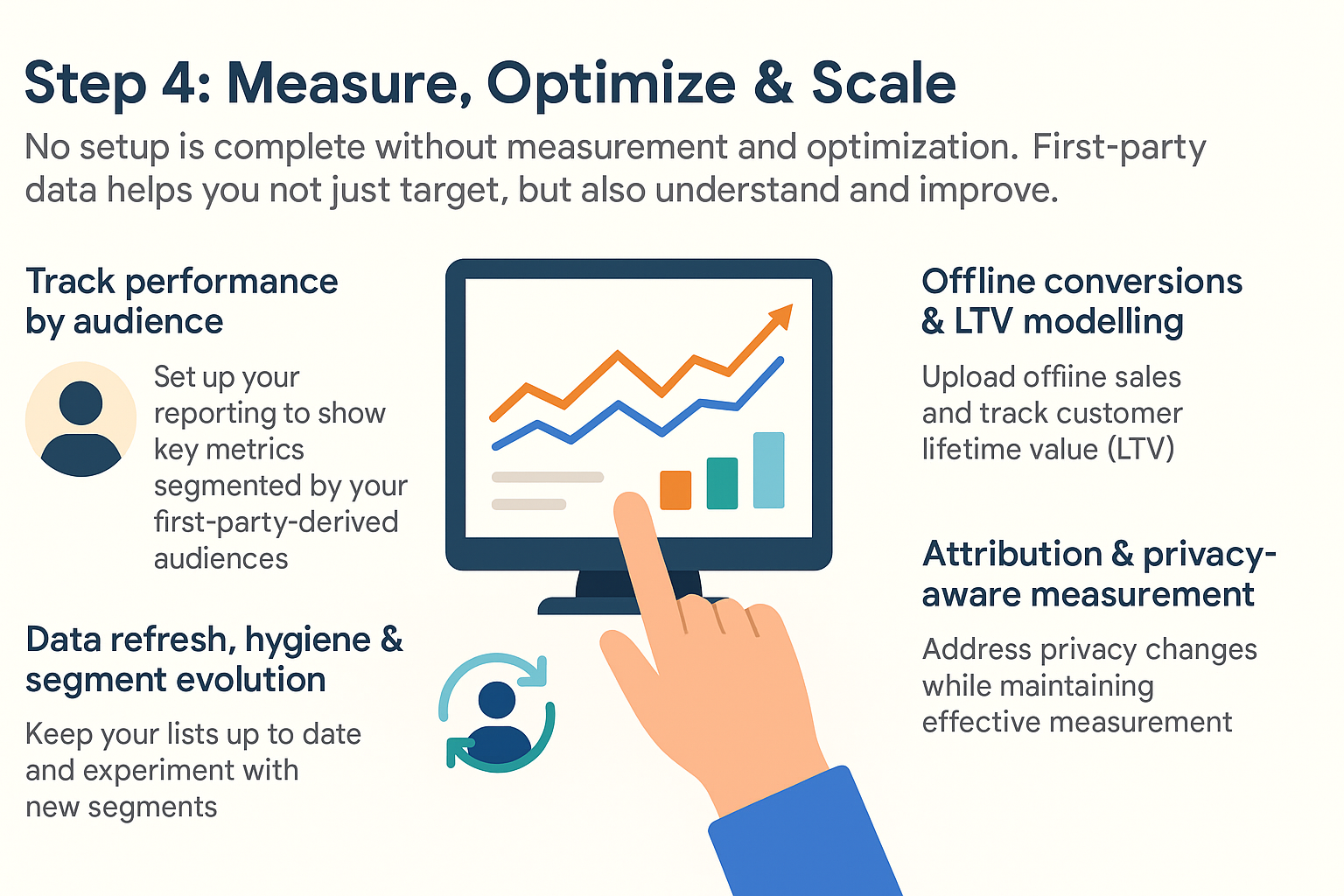
No setup is complete without measurement and optimisation. First-party data helps you not just target, but also understand and improve.
Track performance by audience
Set up your reporting to show key metrics (impressions, clicks, conversions, cost, ROAS) segmented by your first-party-derived audiences: e.g., “Uploaded-list – Loyal customers”, “Remarketing – Cart abandoners”, “Similar – Prospect audience”.
This allows you to compare performance and tweak bids, creatives, and targeting accordingly.
Offline conversions & LTV modelling
If you have offline sales (in-store, phone order), upload offline conversions so Google Ads can connect the ad exposure → online behaviour → offline sale path. This enriches your first-party data and fuels better optimisation.
Also, track Customer Lifetime Value (LTV) for your customers; use this data to feed back to audience creation and bidding logic.
Data refresh, hygiene & segment evolution
Keep your lists and segmentation fresh: delete inactive emails, refresh segments based on recency, value or churn. Don’t rely on a “set-and-forget” audience.
Constantly experiment: new segments, new bidding strategies, new lookalike seeds.
Attribution & privacy-aware measurement
With privacy changes, you may lose some granular tracking. First-party data helps bridge the gap by providing higher-quality signals. Google’s privacy-preserving tools (e.g., consent management, aggregated measurement) integrate well with your first-party approach.
Check your tag health regularly and fix issues with the diagnostics tool to ensure you’re not losing signal.
Step 5: Governance, Compliance & Sustainability
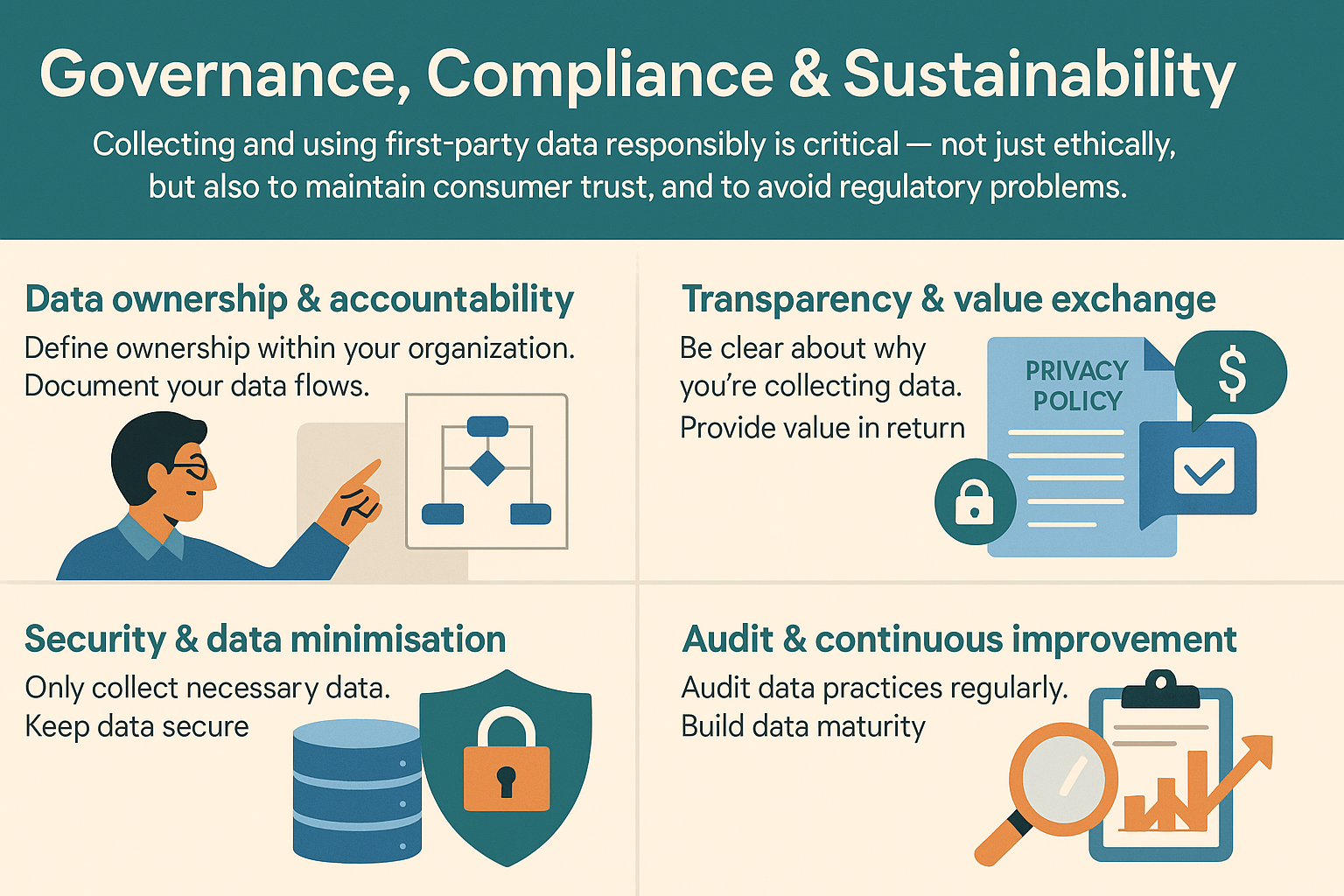
Collecting and using first-party data responsibly is critical — not just ethically, but also to maintain consumer trust, and to avoid regulatory problems.
Data ownership & accountability
Define ownership within your organisation: Who manages data collection, who manages quality, who handles consent, who oversees audience uploads? A clear owner means better coordination.
Document your data flows: from capture – storage – audience segmentation – upload – ad activation.
Transparency & value exchange
When you ask users for their data, make it clear why you’re collecting it and how you’re going to use it. Provide value in return: special offers, personalised content, better user experience.
Ensure your privacy policy and consent banners are up to date and reflect your use of data for advertising.
Security & data minimisation
Only collect what you need; keep data secure. When uploading to Google Ads, use hashed identifiers as per Google’s guidelines.
Ensure you adhere to retention policies: prune old data that is not relevant or consented any longer.
Audit & continuous improvement
Regularly audit your data collection, segmentation logic, upload processes and performance. Build a culture of continuous data maturity.
Prepare for future changes: browser tracking shifts, privacy regulation updates, and evolving ad ecosystems.
Summary Checklist
Here’s a quick checklist to keep handy as you implement your first-party data strategy in Google Ads:
- Audit all customer touch-points and data sources
- Define high-value identifiers and behaviours to capture
- Ensure consent mechanisms and privacy policy are robust
- Link Google Tag, GA4/app analytics, and CRM systems
- Upload customer lists via Customer Match (email/phone/ID)
- Build behavioural audiences (website/app) and remarketing lists
- Create similar/lookalike audiences from best segments
- Feed audiences into campaigns and use smart bidding strategies
- Measure performance segmented by audience type
- Upload offline conversions and model LTV
- Maintain data hygiene, refresh segments regularly
- Implement governance, security and compliance frameworks
- Audit tag health, consent flows and measurement regularly
- Iterate, optimising targeting, creatives, bids and segments
FAQ
Here are common questions that come up when integrating first-party data into Google Ads.
Q: What kind of data can I upload to Google Ads for audience targeting?
A: You can upload identifiers such as email addresses, phone numbers, or user IDs (hashed or plain text, subject to Google’s policy). Use these to create segments via Customer Match.
Q: How many identifiers should I include for better match-rates?
A: Uploading two identifiers (for example email + phone) typically increases your list size by ~28%. Uploading a third identifier can boost size by ~35%.
Q: Is using first-party data compliant with privacy regulations?
A: Yes — as long as you collect data with valid consent, you document how it’s used, maintain transparency, and allow opt-out. You also need to keep user-data secure and use it only for the stated purposes.
Q: My business has a physical store as well as an online presence — can I use offline customer data?
A: Absolutely. You can collect in-store identifiers (with consent) and link them to online user profiles. Then upload those identifiers or offline conversions into Google Ads to enrich your targeting and measurement.
Q: How often should I refresh my audiences?
A: Regularly. Audience segments should reflect recency, behaviour changes and customer lifecycle. Lists get stale, people churn, preferences change — you’ll get much better results if you keep your segments current and relevant.
Q: What if I rely heavily on third-party cookies today — how do I transition?
A: Begin shifting your strategy now: collect more first-party data, link systems, build your own audiences. The performance benefits (e.g., lower CPA, better ROI) will compound, and you’ll be more resilient to future tracking changes.
Wrapping Up
In the era of privacy-first, consent-driven data, and evolving ad ecosystems, leveraging your own first-party data in Google Ads isn’t optional — it’s essential. By collecting the right data, integrating your systems, uploading and activating tailored audiences, measuring results, and governing your process, you turn your data into a sustainable competitive advantage.
Follow the steps outlined here — audit your data, set up the tools, activate the audiences, measure and refine — and you’ll be well on your way to smarter targeting, higher ROI, and more meaningful customer relationships via Google Ads. The power is in your own data, so own it, use it, and let it drive your future growth.